Multi Project Issue Tracker Excel Template
Multi Project Issue Tracker Excel Template. Monitor all important issues for separate projects in one place. Simple spreadsheet. Dashboard included.
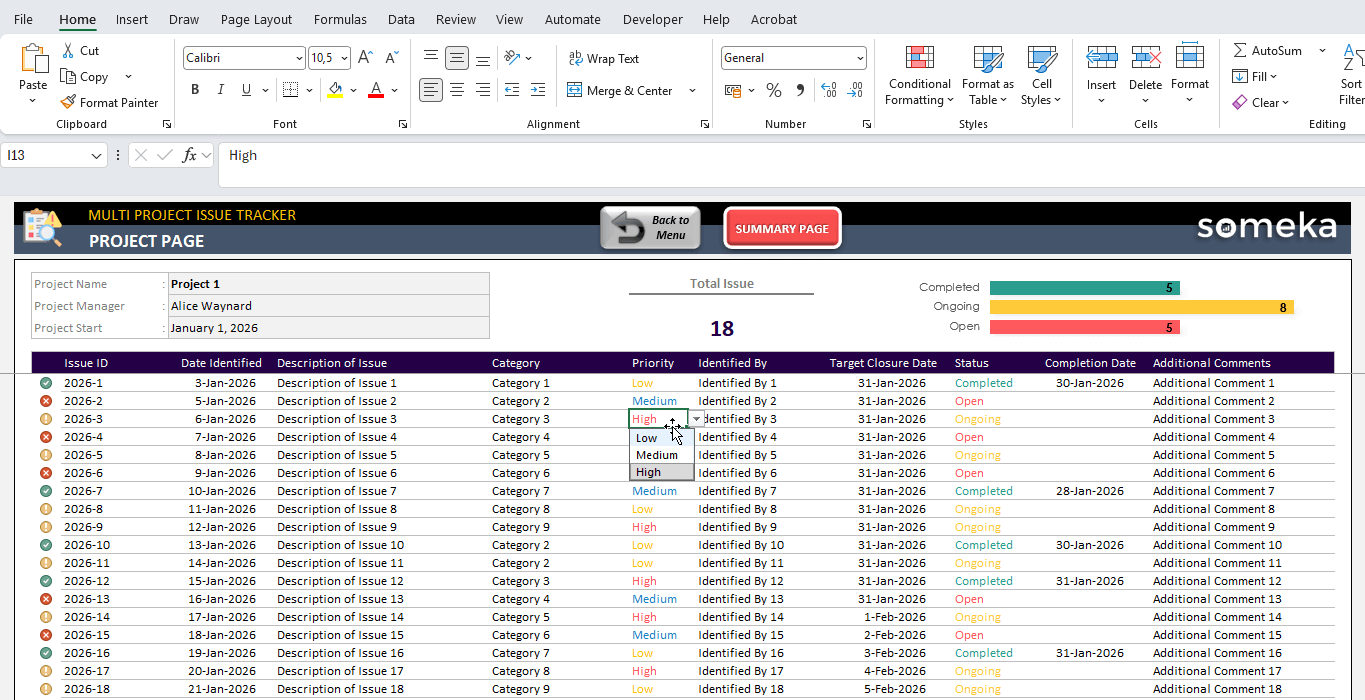
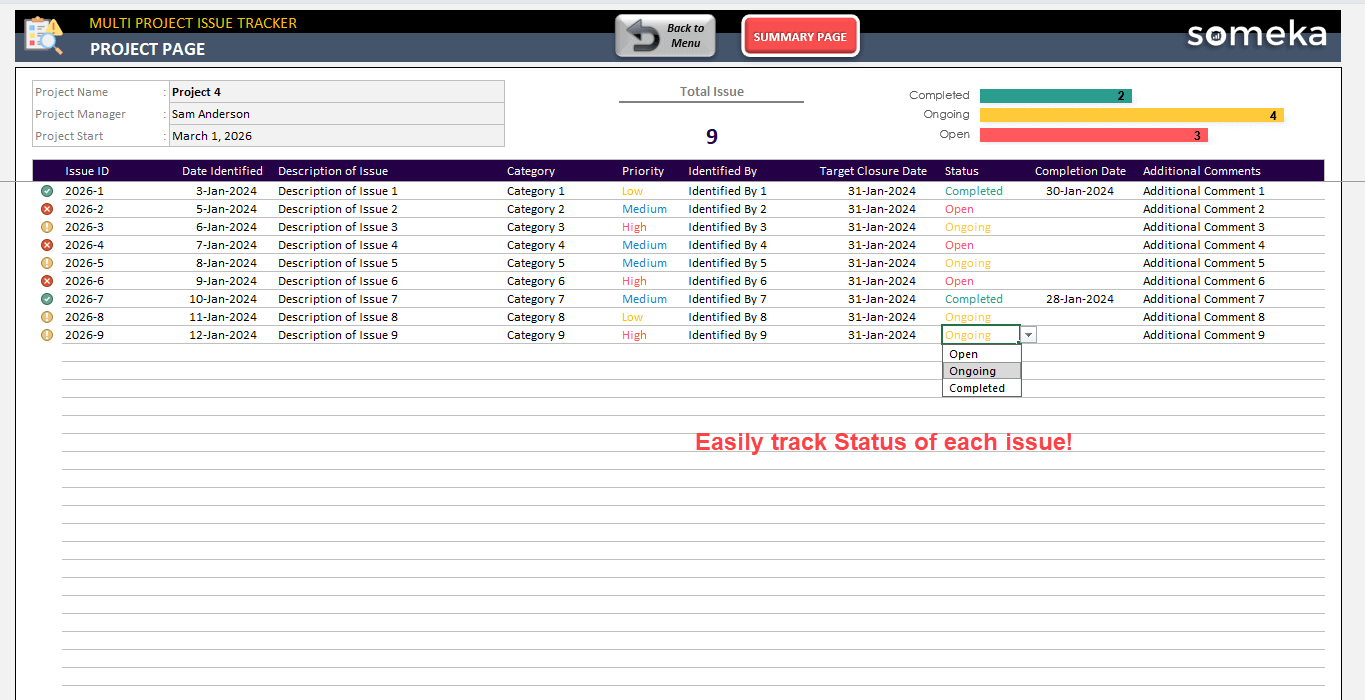
TEMPLATE DESCRIPTION
Managing multiple projects and dealing with lots of bugs in your workflow at once? Here’s our Multi Project Issue Tracker Excel Template to keep you organized all time.

Chiefly, this issue tracker spreadsheet will help you track:
- Issue logs
- Progress
- Deadlines
- Prioritization
How to use Multiple Project Issue Tracker Excel Template?
Mainly, this template consists of three sections: 1. Settings, 2. Issue Logs, 3. Summary.
Let’s see each section one by one.
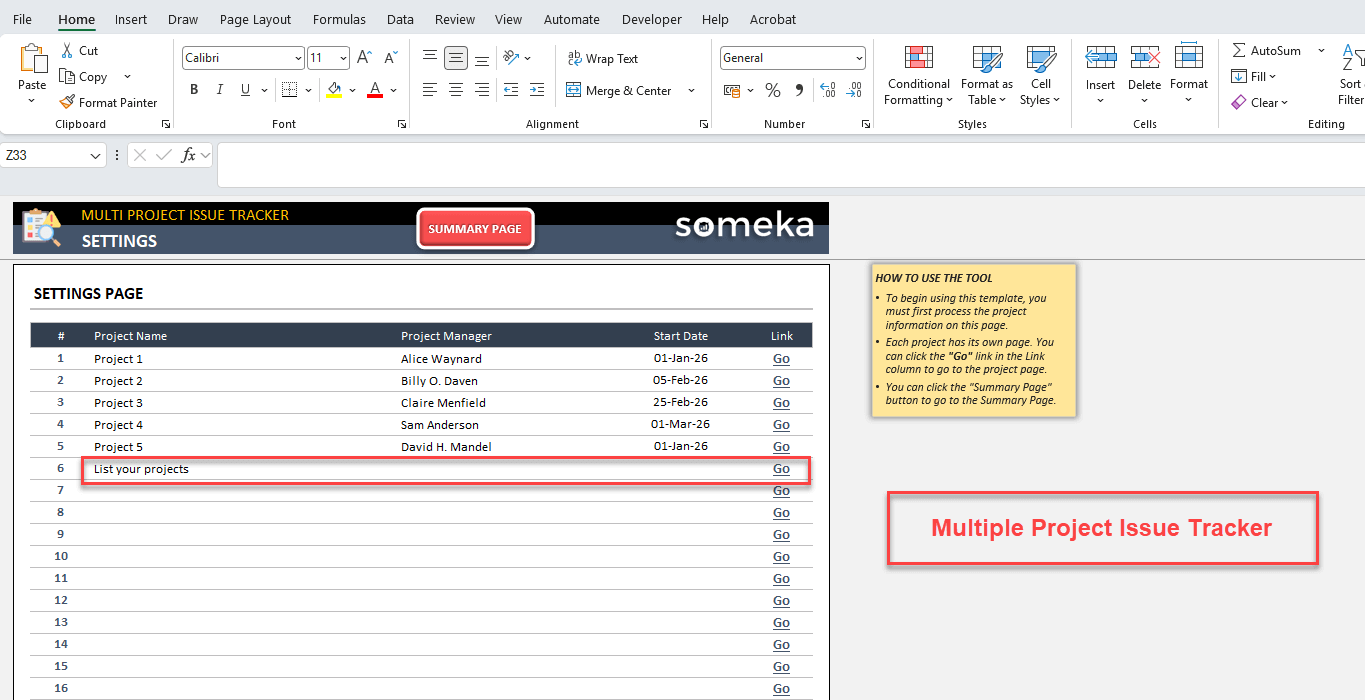
1. Settings
Here, you’ll list your projects with project name, project manager and the start date.
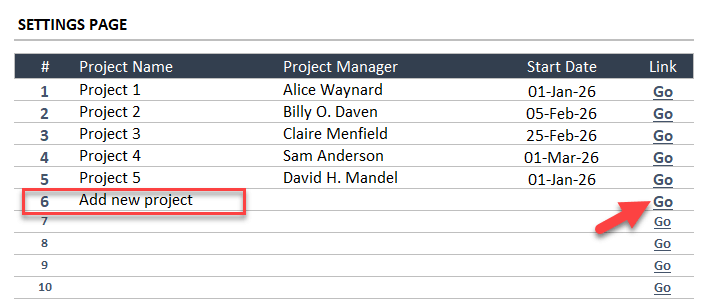
Then, you’ll see Go buttons for each project, which will bring you to the Issue log of the relevant one.
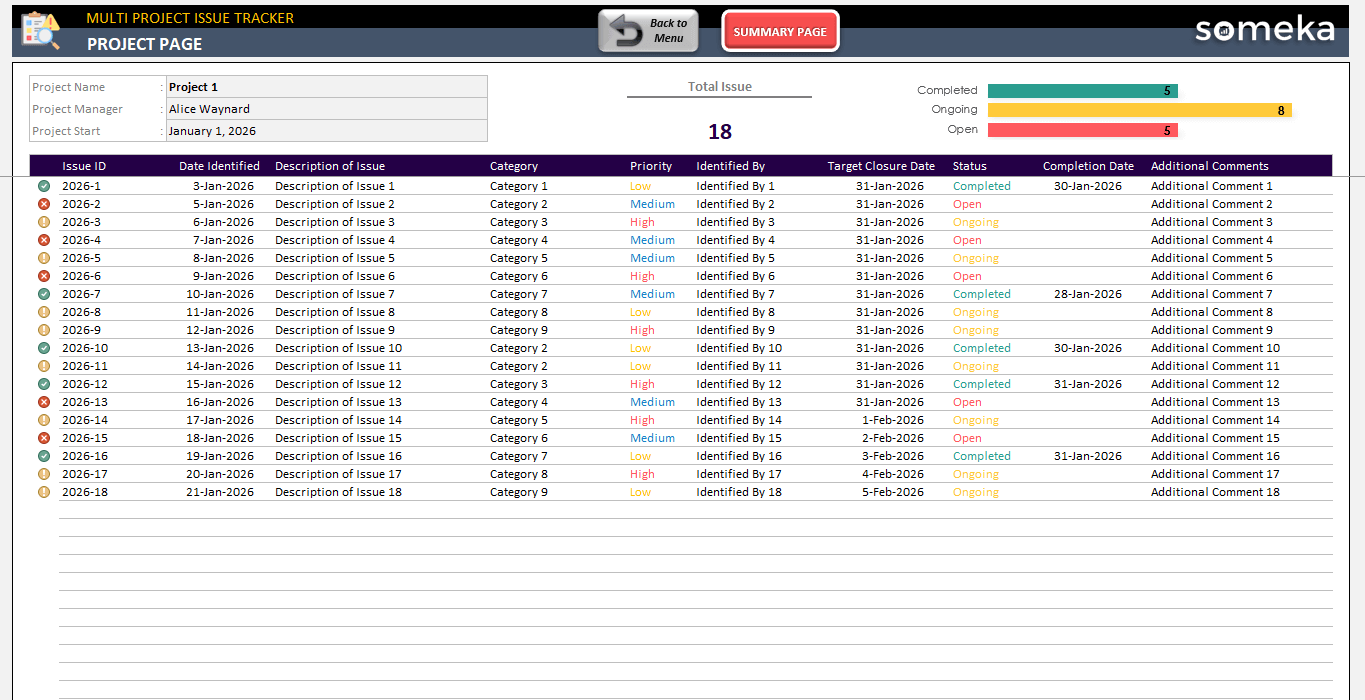
2. Issue Logs
So, once you navigate to a project page, you’ll see a list to fill out with issues in our Multi Project Issue Tracker Excel Template.
First, start with adding the main information such as Issue ID, Date Identified, Description, Category, Priority, and Identified by.
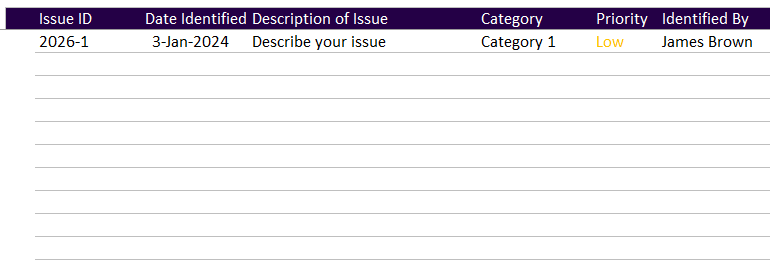
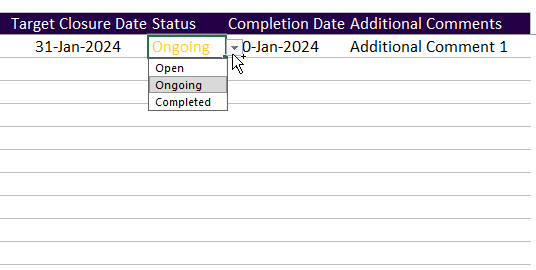
Then, you can add tracking data for each issue, which will include the Target Closure Date, Status, Completion Date, and additional comments. Also, feel free to update the Status of each issue once it’s done.

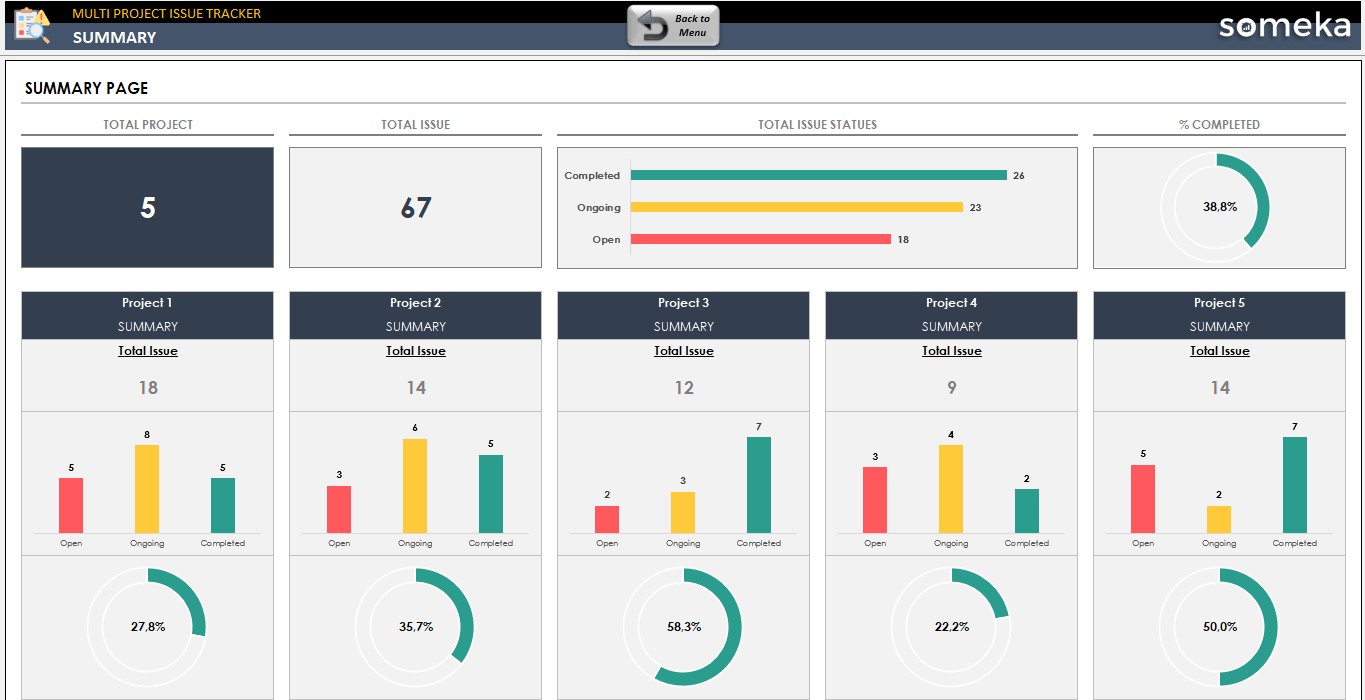
3. Summary Page
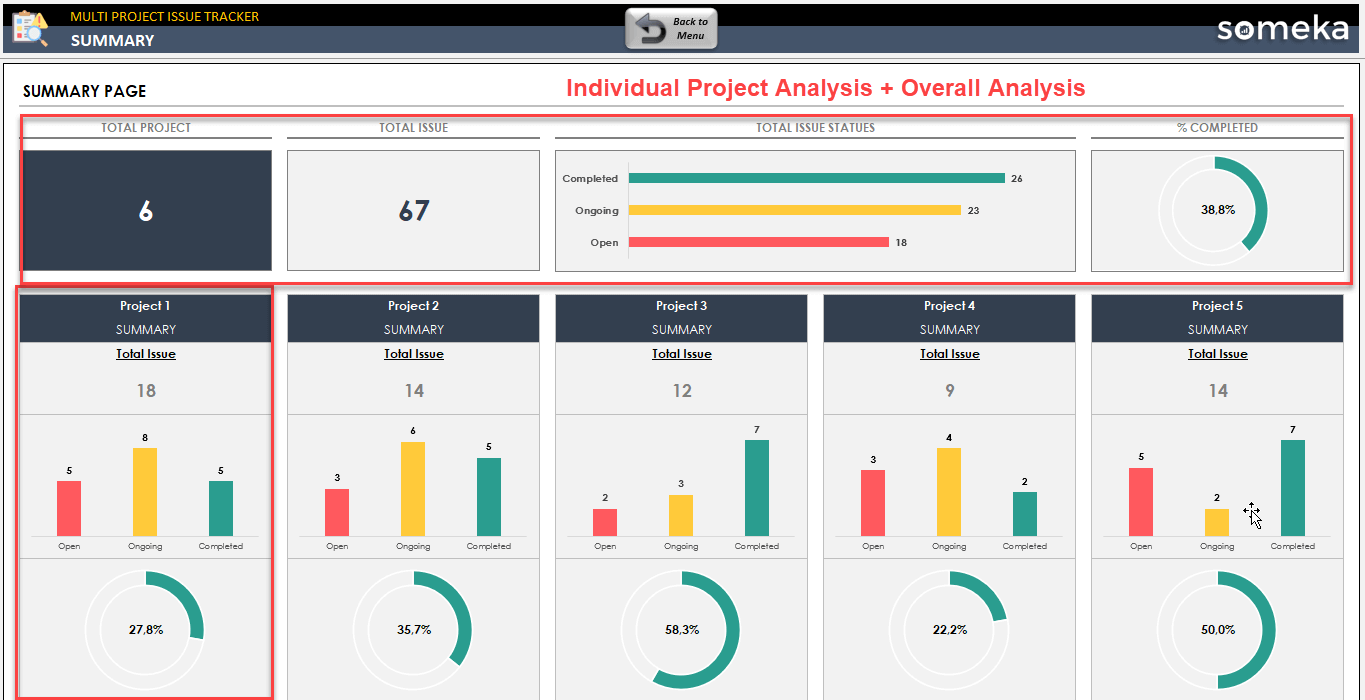
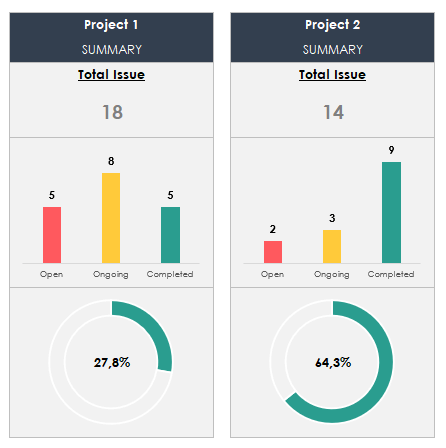
Lastly, this page will give you an overall analysis of your all projects:
- How many projects you have
- Total issue number
- Issue status of all project
- Completion ratio

Also, you’ll find individual project analysis to understand the general view of all projects.
So, that’s all for the template! Basically, a simple and organized way to track issues.
Multiple Project Issue Tracker Excel Template Features Summary:
- Simple issue logs
- All-in-one Excel template for multiple projects
- Cumulative summary included
- Also, flexible and customizable
- Printable and editable spreadsheet
- No installation, no setup
- Works both on Mac and Windows
- Compatible with Excel 2010 and later versions
- Does not include any VBA macros
FREQUENTLY ASKED QUESTIONS
Multi Project Issue Tracker Excel Template Product FAQ
A Multi Project Issue Tracker Excel Template is a pre-built spreadsheet that allows teams and project managers to log, categorize, prioritize, and monitor issues, bugs, and tasks across multiple projects simultaneously — all within a single Excel file. It eliminates the need for expensive project management software for teams that already work within Microsoft Excel.
You can track up to 25 different project in the same file. Also, you’ll have more than 180 issue row for each project.
You can log any type of issue relevant to your workflow — including bugs, feature requests, task blockers, risks, action items, and general project issues. Each entry supports fields such as issue type, priority level, status, assignee, due date, and resolution notes, all customizable to fit your team’s process.
No technical skills are required. The template runs entirely on standard Microsoft Excel formulas and dropdown menus — no macros, VBA, or add-ins needed. If you can open and type in Excel, you can use this tracker immediately after download.
USER REVIEWS & COMMENTS
RELATED TEMPLATES
-
 This product has multiple variants. The options may be chosen on the product page
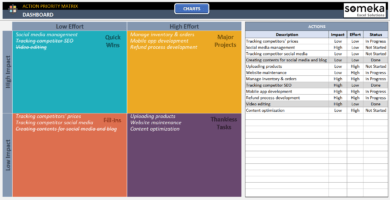
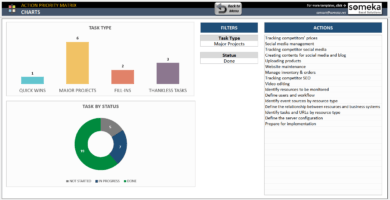
Action Priority Matrix Excel Template
$29.95 – $59.95Excel spreadsheet to prioritize your actions. Printable effort and impact matrix with professional dashboard and dynamic charts. Ready to use.
-
This product has multiple variants. The options may be chosen on the product page
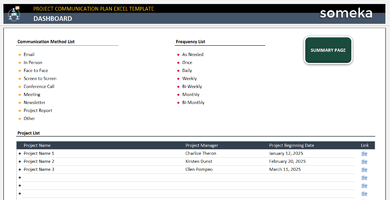
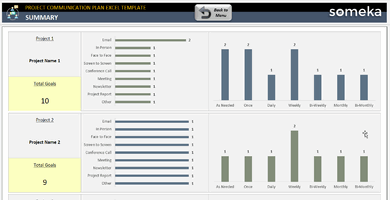
Project Communication Plan Excel Template
$29.95 – $59.95Project Communication Plan Template. Build communication plans, track updates and stay organized. Ready spreadsheet in Excel. Instant download. Simple and clean.
-
This product has multiple variants. The options may be chosen on the product page
PERT Chart Excel Template
$49.95 – $99.95PERT diagram generator in Excel. Create interactive PERT diagrams in seconds. Easy way to visualize complex tasks. Fully printable and ready to use.
-
This product has multiple variants. The options may be chosen on the product page
Kanban Board Excel Template
$34.95 – $69.95Automated Kanban Board in Excel. Manage your workflows and tasks in cards view. Easy-to-use printable spreadsheet. Works in Mac & Windows.
-
This product has multiple variants. The options may be chosen on the product page
Issue Tracker Google Sheets Template
$29.95 – $59.95Google Sheets template to track your issues. Printable dashboard to manage projects based on priority and status. Access from all devices.
-
This product has multiple variants. The options may be chosen on the product page
Responsibility Assignment Matrix Excel Template
$34.95 – $69.95Excel project management tool for team roles & tasks. Responsibility Assignment Matrix includes both RACI Chart and Work Breakdown Structure. All printable.