
Brain Dump Excel Template
Brain Dump Excel Template. Easily organize your ideas in a simple spreadsheet. Brain Dump and Idea Tracker. Printable, editable. Instant download.
TEMPLATE DESCRIPTION
Lots of ideas around there? Here’s our Brain Dump Excel Template to track your ideas and goals in an organized spreadsheet. A simple Excel template to list your ideas and monitor your progress.
So this two-page Excel spreadsheet will boost your productivity in a simple way. You can quickly record your ideas/goals, assign categories, set priorities, difficulty levels, deadlines, and track statuses.
You know that feeling when you have seventeen things bouncing around your head at once — half-formed ideas, random tasks, things you swore you’d remember — and none of it is going anywhere useful? That’s exactly what this template is built for.
How to use Brain Dump Excel Template?
Overall, this spreadsheet consists of two main pages:
- Summary page
- Data input page
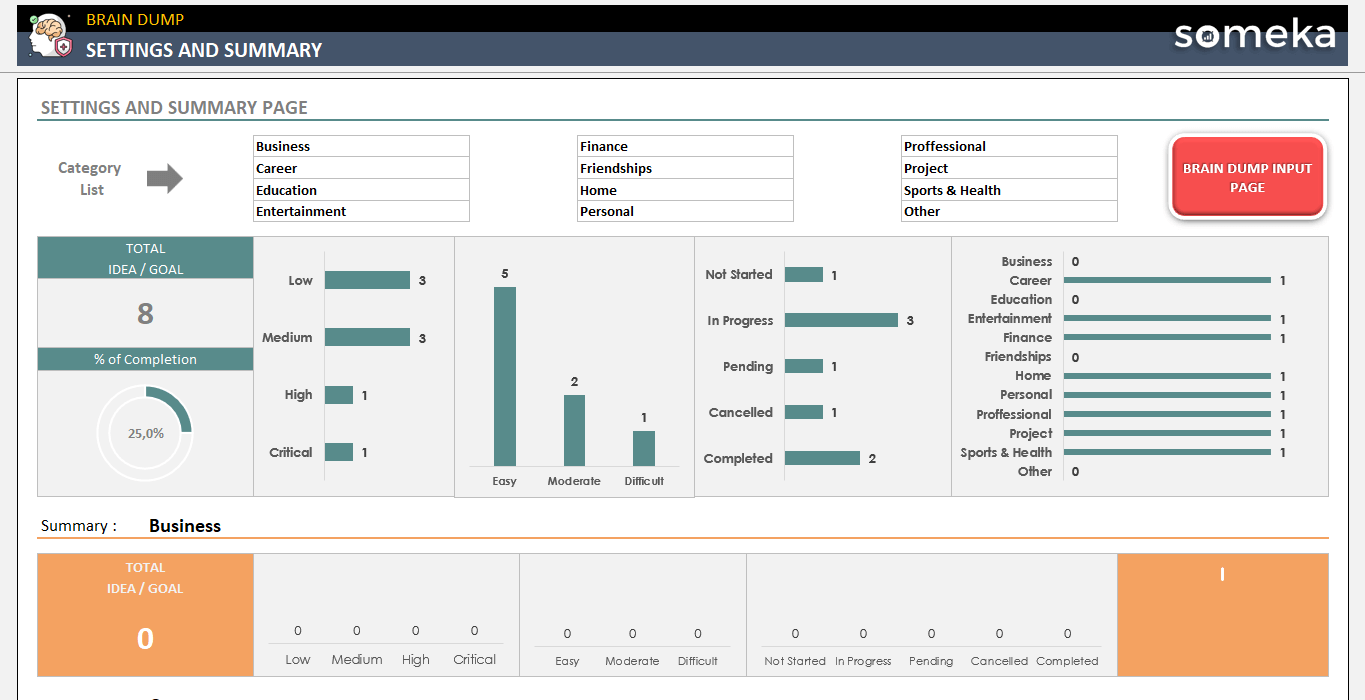
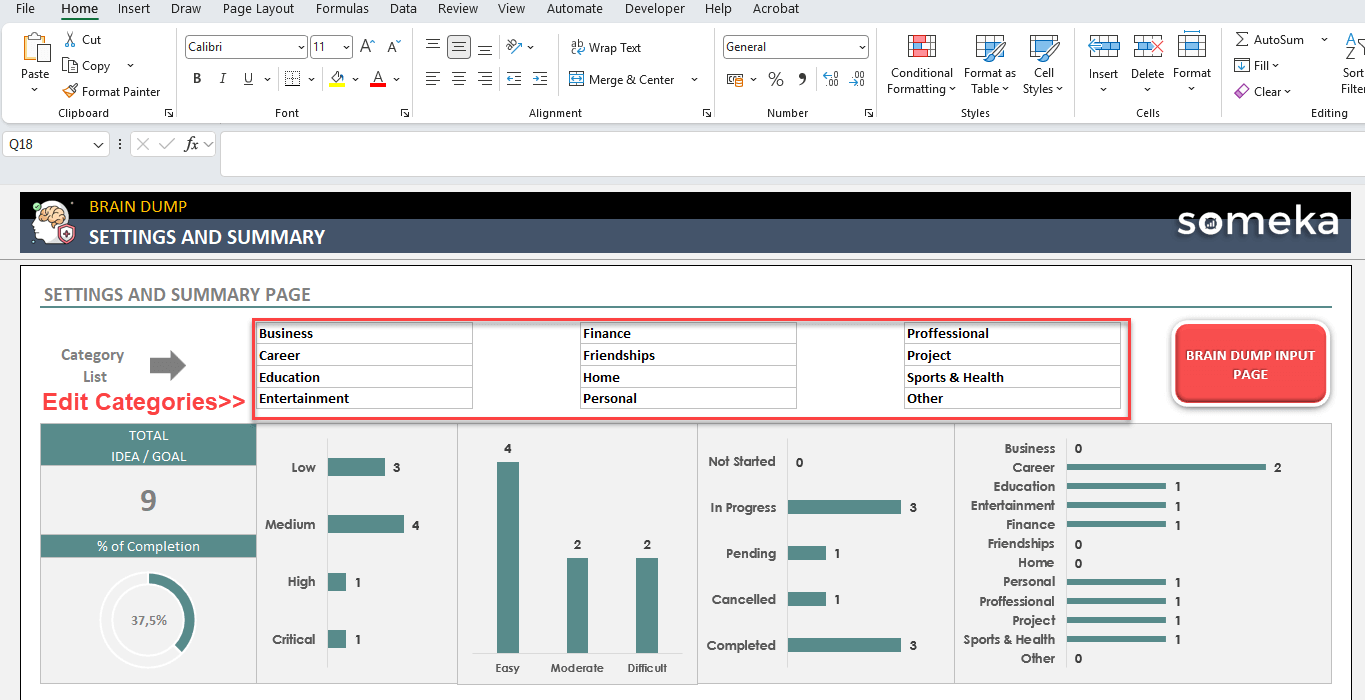
Firstly, start with defining your categories. There are 12 editable categories in the template. So you can easily change their names according to your own needs:

Data Input
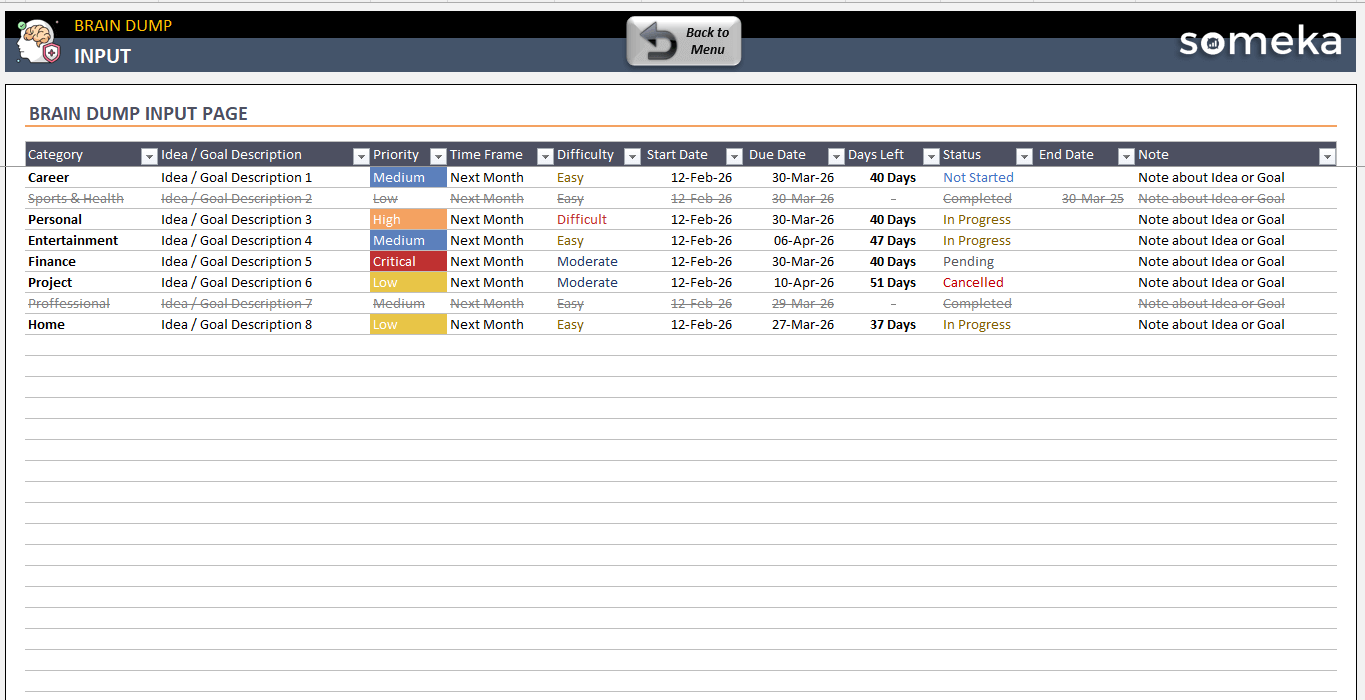
Then, go to Input sheet to list your ideas and goals.
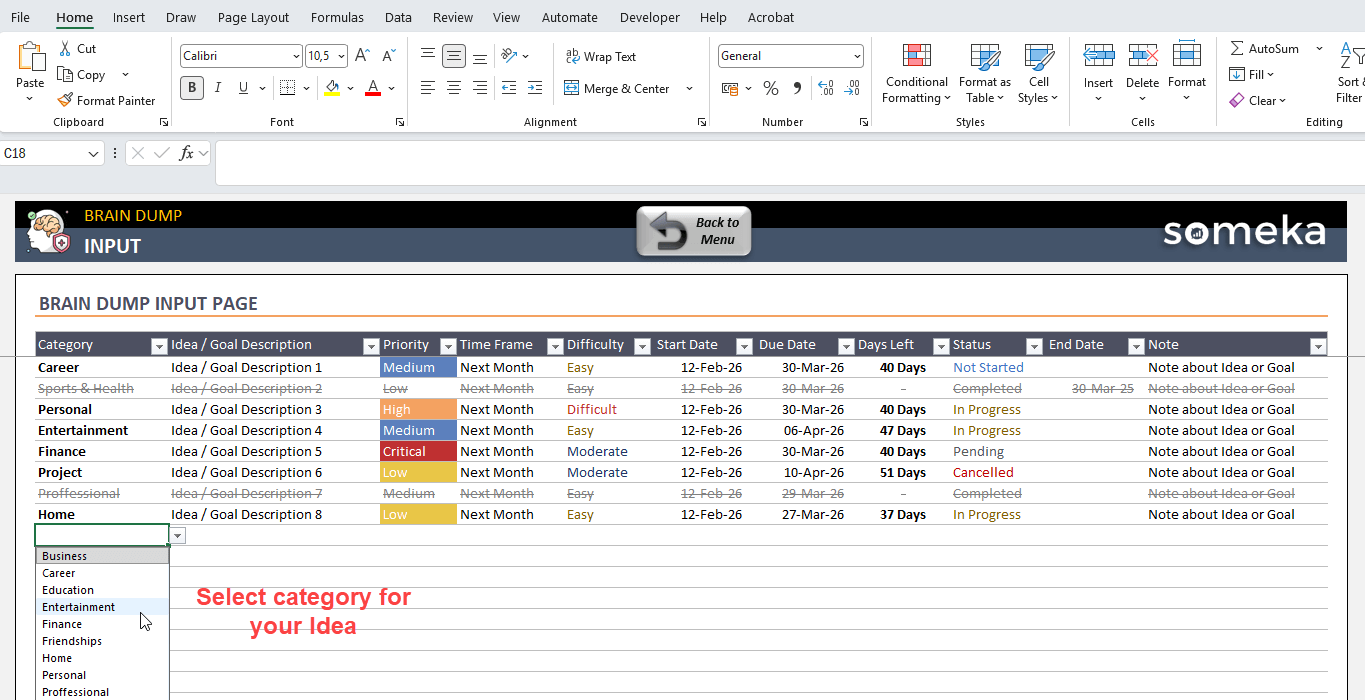
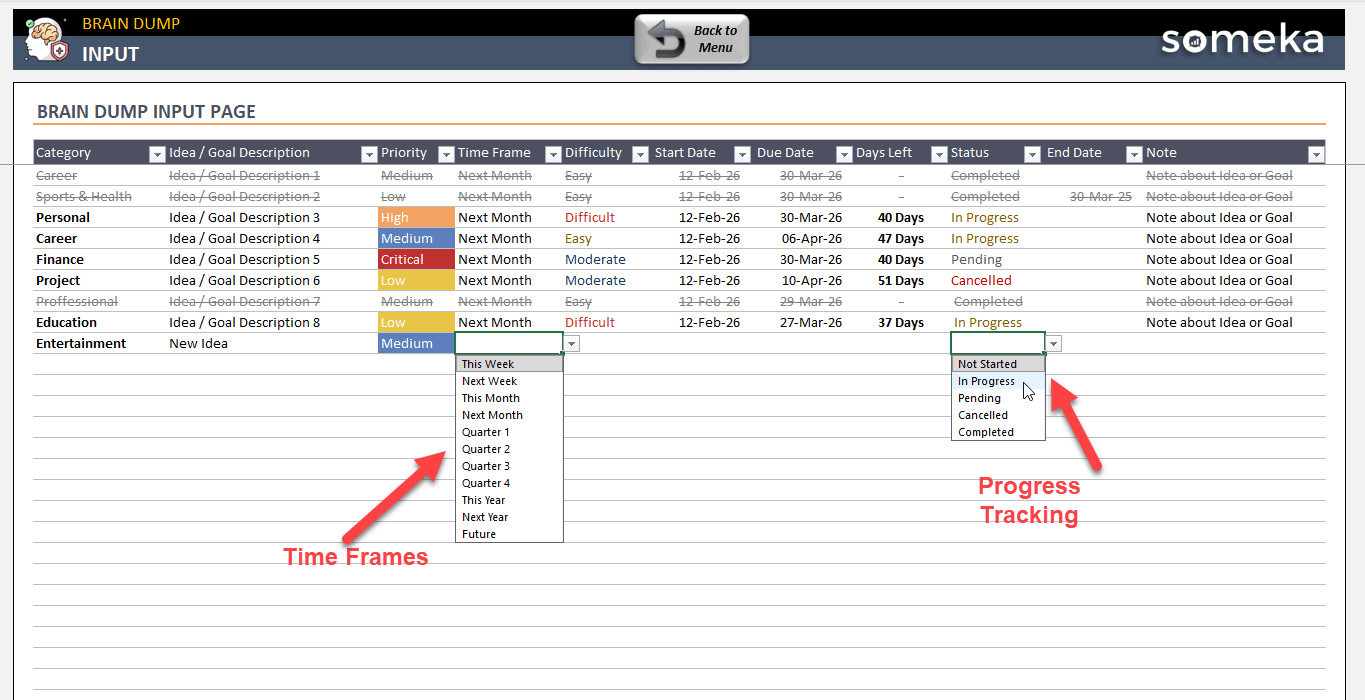
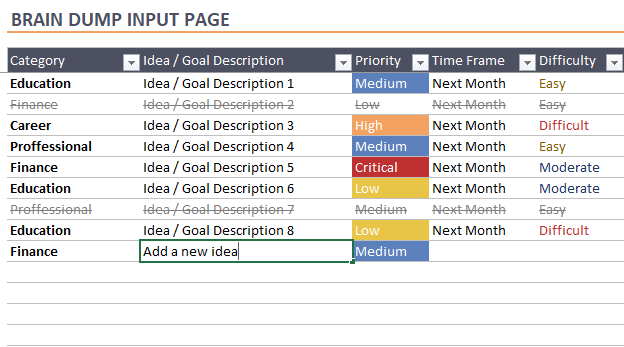
First, you’ll start by selecting your category for brain dump excel template and then you’ll add your idea description, select priority, time frame as well as difficulty.
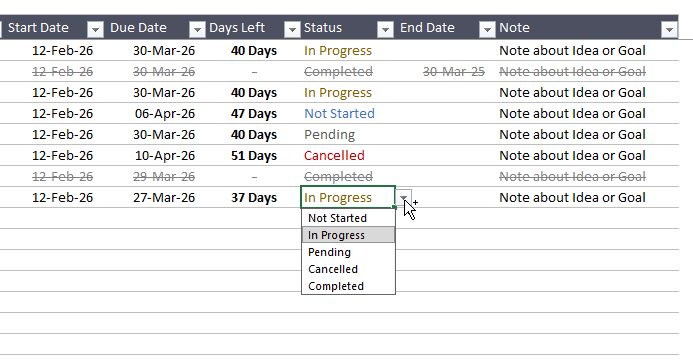
Dropdown menus will help you input your data.
Secondly, you’ll add progress tracking metrics such as Start Date, Due Date, Status . So, this project management template will automatically calculate the Days Left for each idea/goal. Once any goal is completed, you can also add the End Date.
Further, feel free to add notes for each idea or goal.
That’s all for the data input. Now it’s time to check your overall dashboard.
Summary Page
On the Brain Dump Excel Template Summary page, you’ll first find an overall dashboard for all your ideas.
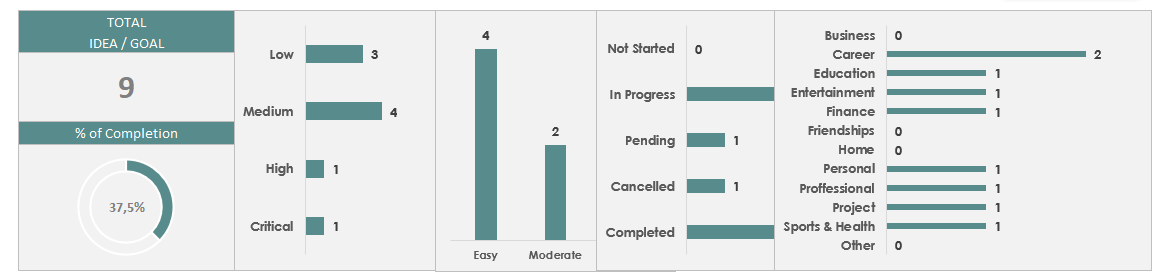
You can easily monitor:
- Total number of goals
- Completion percentage
- Priority distribution
- Difficulty distribution
- Status
- Category-based numbers
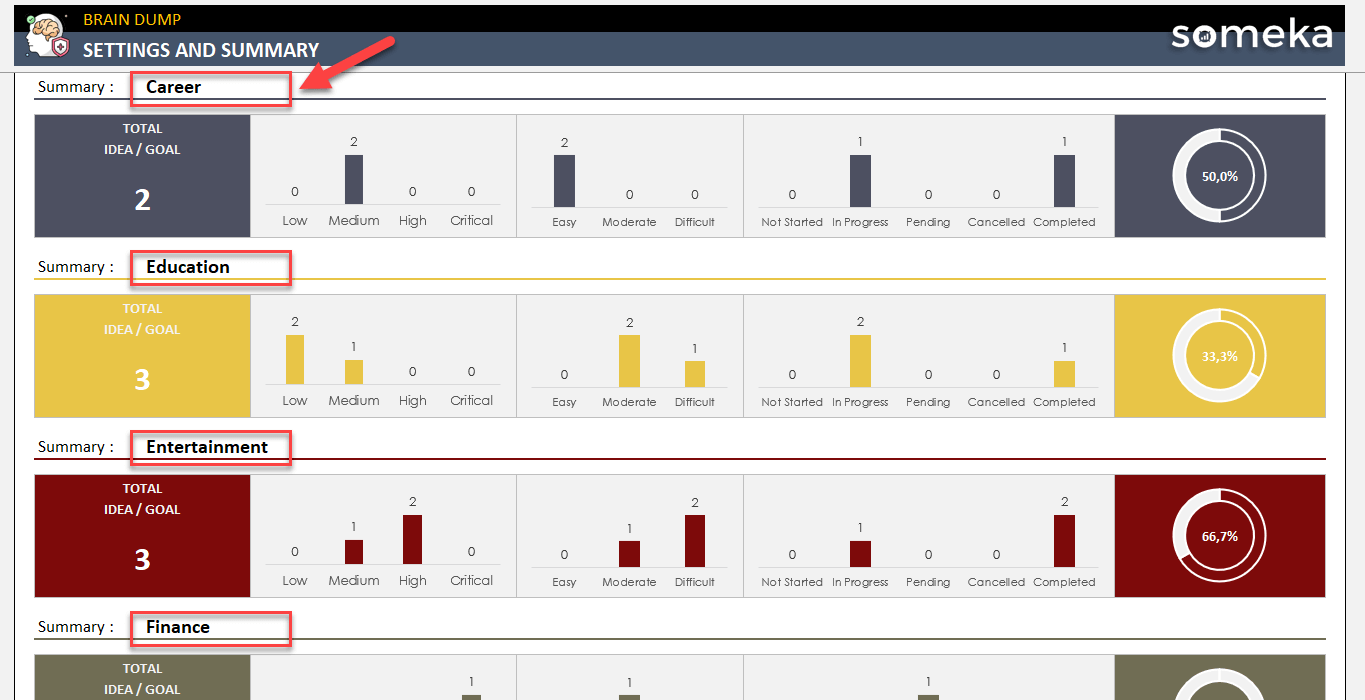
Furthermore, you’ll have separate summary sections for each category:
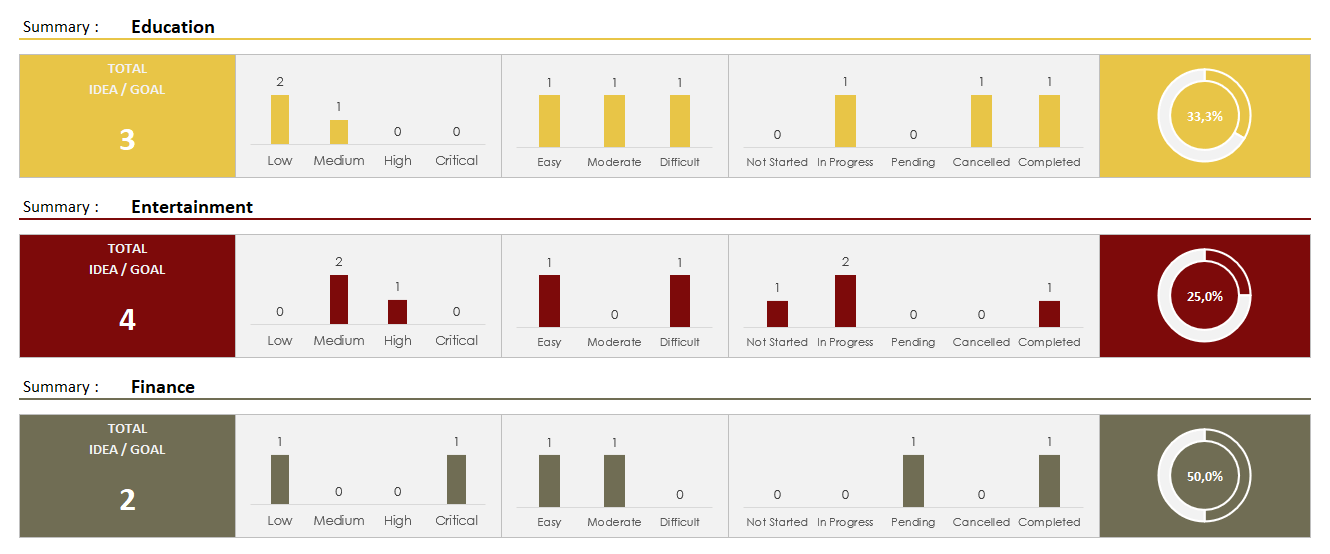
The color-coded category summary sections will give you an overall understanding for each field.
Why to use Idea Tracker Spreadsheet?
Whether you’re a professional or an entrepreneur, it’s so important to gather all your ideas in one place and mind map your thoughts. This Excel task management spreadsheet will help you:
- Turn your scattered thoughts into actionable plans
- Stay organized
- Manage projects effectively
- Track your progress
- Follow up on your goals
In brief, you will take control of your ideas!
Brain Dump Excel Template Features Summary:
- All-in-one Brain Dump and Idea Tracker
- Simple Excel spreadsheet
- Analyze up to 500 ideas in 12 different categories
- Flexible and editable
- Clean design
- No installation, no setup
- Works both on Mac and Windows
- Compatible with Excel 2007 and later versions
- Does not include any VBA macros
FREQUENTLY ASKED QUESTIONS
Brain Dump Excel Template Product FAQ
A brain dump template is a structured worksheet that gives you a fast, judgment-free way to get everything out of your head and into one place. Think of it as a mental pressure release valve — you open it up, type out every thought, task, worry, idea, or random “don’t forget this” floating around in your mind, and let the page hold it all for you.
Unlike a to-do list or a note-taking app, a brain dump template is intentionally unstructured at the capture stage. The goal is speed and completeness — get it all out first, make sense of it second. The template then provides a light layer of structure to help you sort, prioritize, and decide what to actually do with what you’ve written down.
It’s a popular tool among productivity-minded people, but honestly it’s just as useful for anyone who’s ever gone to bed with a head full of unfinished thoughts and woken up having forgotten half of them.
Not at all. If you can type into a cell, you’re good to go. The template is built to be as frictionless as possible — no macros, no complicated formulas, no setup required. Just open and start dumping.
It’s designed to be reused. You can either clear it out at the start of each week/month, or duplicate the sheet and keep a running archive of past dumps. Totally up to how you like to work.
The template supports up to 500 ideas in 12 different categories.
They’re cousins, not twins — both help you externalize your thinking, but they serve pretty different purposes.
A brain dump is about getting everything out of your head as fast as possible, with zero regard for structure. It’s linear, messy, and that’s the whole point. You’re not trying to connect ideas or see relationships — you’re just clearing the mental backlog. Speed and completeness matter more than organization.

A mind map, on the other hand, starts with a central idea and branches outward. It’s inherently visual and relational — you’re actively mapping how thoughts connect to each other as you go. It’s better suited for exploring a single topic in depth, brainstorming around a specific problem, or planning something where the relationships between ideas actually matter.
The practical difference: if you sit down feeling mentally cluttered and overwhelmed, you want a brain dump. If you’re trying to think through one particular thing — a project, a decision, a creative concept — a mind map is the better tool. A lot of people actually use them in sequence: brain dump first to clear the noise, then mind map the ideas worth developing further.
USER REVIEWS & COMMENTS
You must be logged in to post a review.
RELATED TEMPLATES
-
 This product has multiple variants. The options may be chosen on the product page
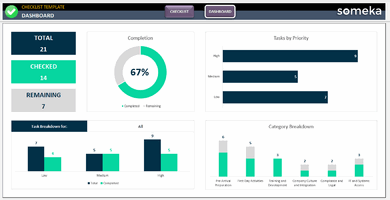
Excel Checklist Template
$29.95 – $59.95Ready-to-use Checklist Template in Excel. Prepare sleek-design checklists in a dynamic template. Dashboard included. Printable, fillable and editable to do lists.
-
This product has multiple variants. The options may be chosen on the product page
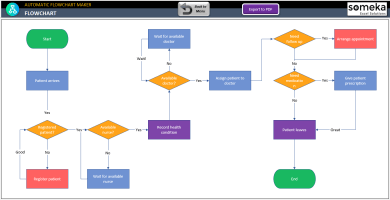
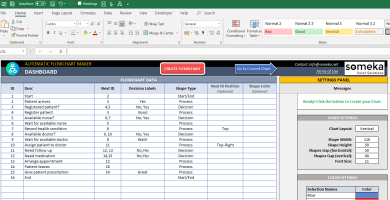
Excel Automatic Flowchart Maker
$49.95 – $99.95Flowchart maker is a spreadsheet that generates flowcharts from excel data automatically. No installation needed. Works both in Mac & Windows.
-
This product has multiple variants. The options may be chosen on the product page
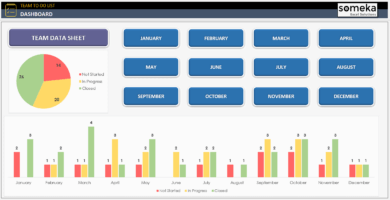
Team To Do List Excel Template
$34.95 – $69.95Excel Team To Do List Template is designed for task management and tracking of employees. Summary dashboard with charts. Editable & printable.
-
This product has multiple variants. The options may be chosen on the product page
Sprint Planning Excel Template
$34.95 – $69.95Sprint Planning Template is an Excel tool for agile management. Ready-to-use spreadsheet to organize daily scrums and sprints. No installation needed.
-
This product has multiple variants. The options may be chosen on the product page
Issue Tracker Excel Template
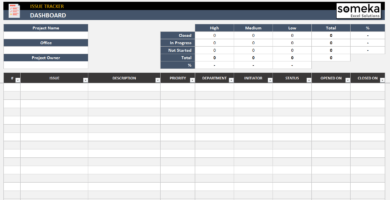
$29.95 – $59.95Issue tracker spreadsheet. Print-ready dashboard to track project issues with priority and status. One-sheet Excel template with no installation needed.
-
This product has multiple variants. The options may be chosen on the product page
Task Management Google Sheets Templates Bundle
$199.95 – $399.95Task Management Google Sheets Templates Bundle. Organize, prioritize, and manage your tasks. Access from all devices. Ready-to-use online files.
Reviews
There are no reviews yet.